Complete Blender Beginner Workflow For Cinematic Art 2025
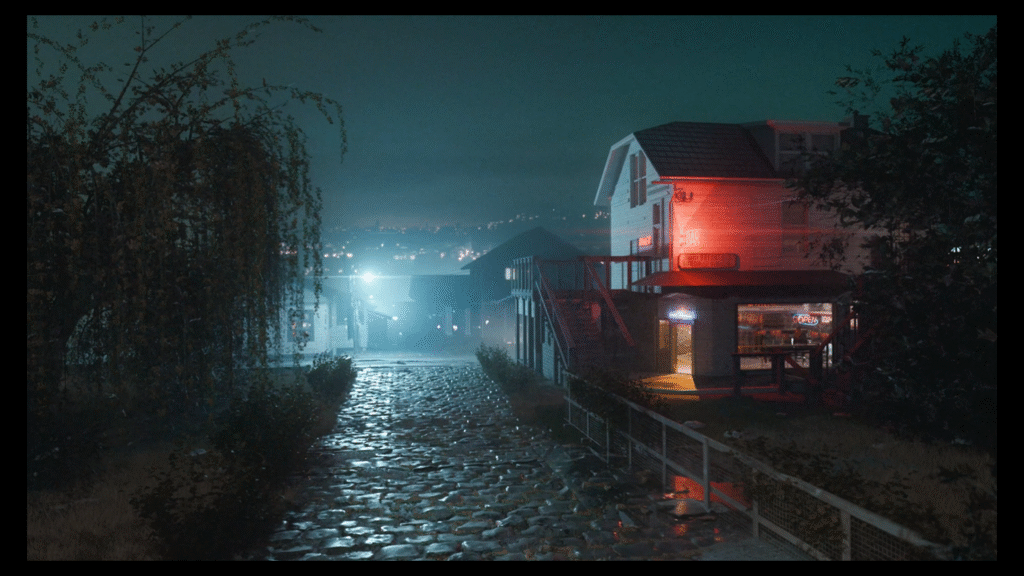
– cca 5-hour-long step-by-step tutorial in which we create the animation you can see below + final .blend file
TUTORIAL
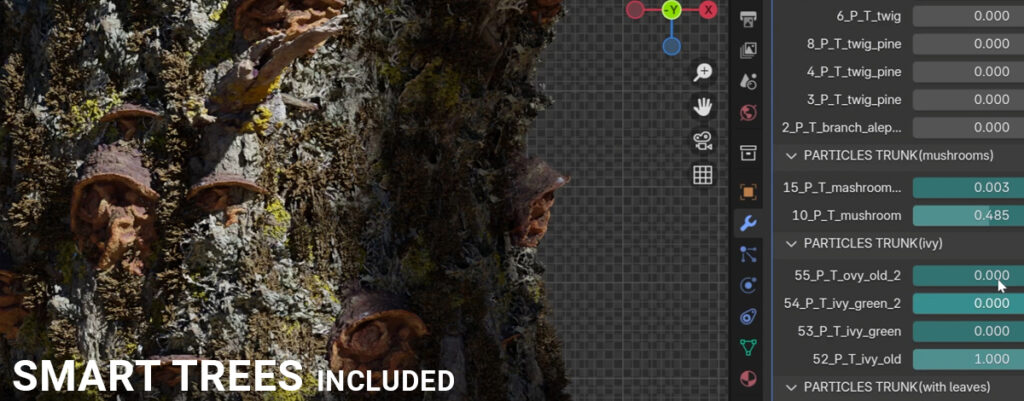
The entire process of creating scenes is recorded step-by-step, making the tutorial easy to follow even for beginners and requiring no other software than Blender (free).
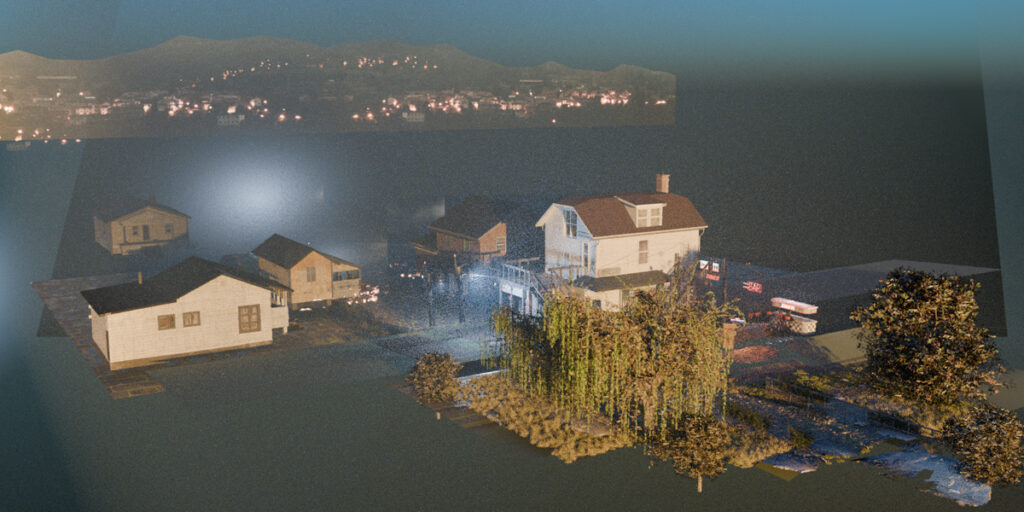
We will go through all the processes of creating a scene. From collecting information, reference images, organization, to modeling, texturing, unwrapping, lighting, animation, post-processing, and more.
BAR MODELING
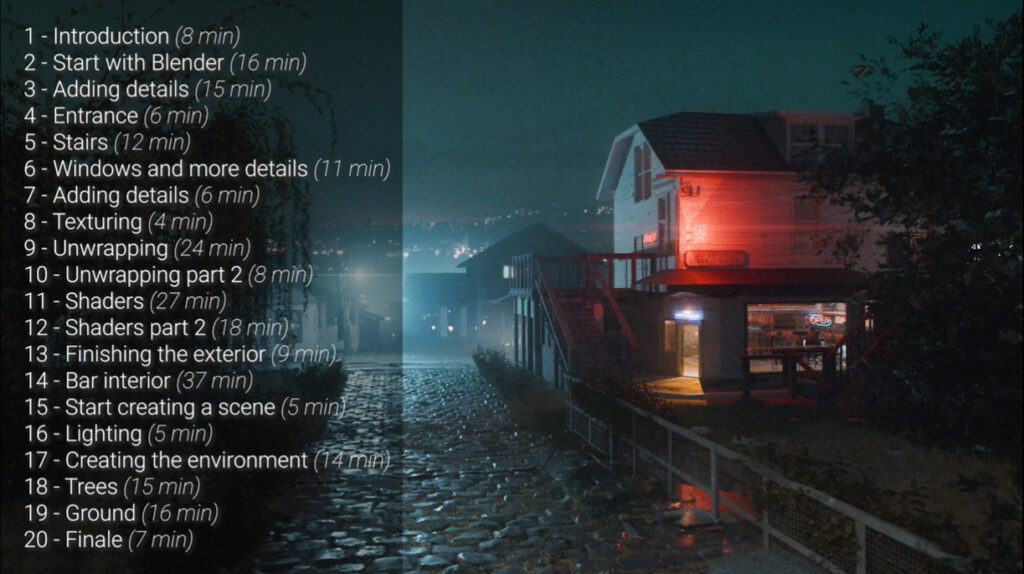
In the first 13 lessons lasting about 2 hours and 20 minutes, we’ll turn a house found on Google Maps into a bar using modeling techniques.
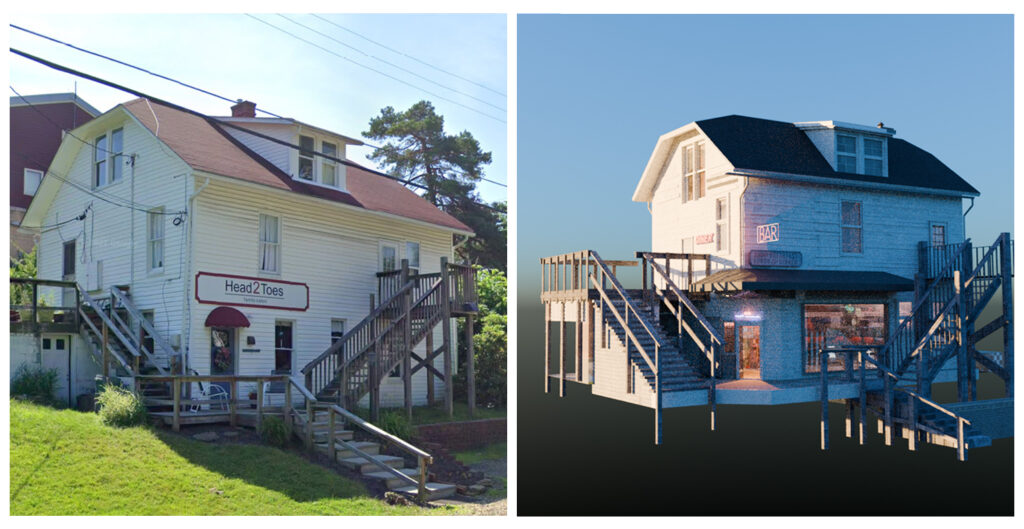
In this part of the tutorial, I’ll show you how to model fast using shortcut keys and modifiers, and how to make a low-poly model look detailed in the camera, creating shaders to bring out as much detail as possible.
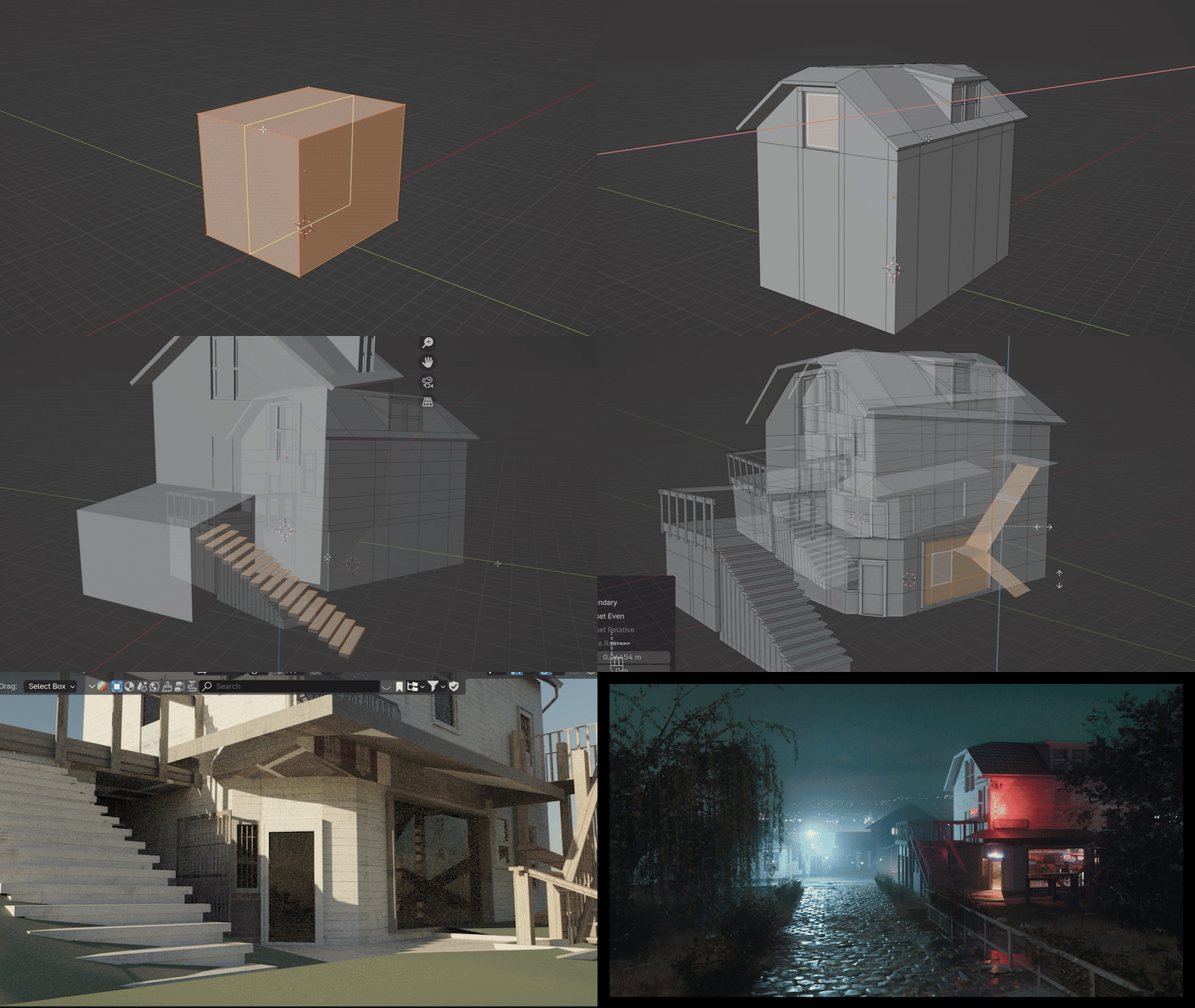
INSIDE BAR
In the second part of the tutorial, we will model and texture the bar from the inside.
We’ll use a lot of emissive shaders here, and since the bar is farther from the camera, I’ll show you an easy way to make it look highly detailed without spending a lot of time.
ENVIRONMENT
With the bar completed, we’ll move on to creating a cinematic scene around it.
In this part, we’ll cover everything you need to create a cinematic scene — from camera setup and render settings to lighting and composition. I’ll show you how to achieve a cinematic, misty look using volumetrics, where to find great free models, how to create materials, and more.